
Home / Features / Projects & Tasks
Project and task management that leaves a trail
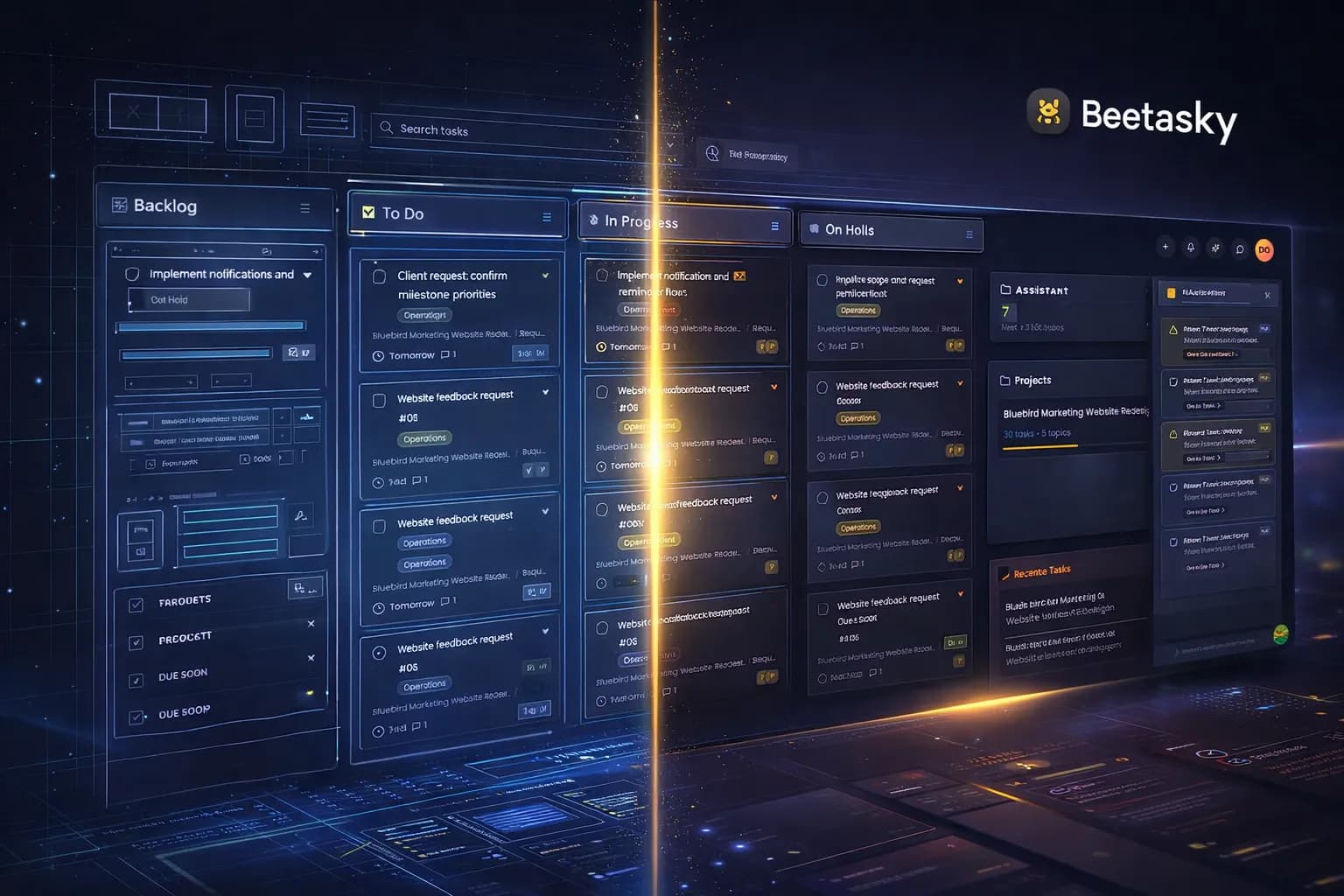
Most project tools tell you the current state and forget how you got there. Beemud keeps projects, topics and tasks together with a written record of every status change, assignment and comment — so a question about what happened last Tuesday has an answer that does not depend on anyone's memory.
What's included
- Unlimited projects, topics and tasks
- Task status, priority, due dates and assignees
- Per-task comments and mentions
- Task activity log on every change
- Turn inbound email into tasks automatically
- Per-project alert rules
- Project-level roles and invitations
- Encrypted per-project file locker
Structure that survives a busy month
A project holds topics; topics hold tasks. That is deliberately shallow — deep hierarchies are where work goes to be forgotten. Each task carries a status, priority, due date, assignee and its own comment thread, and every project can be scoped so a client sees the work without seeing the internals. Projects, topics and tasks are unlimited on every plan, including the free one.
Email that becomes work instead of noise
Connect a mailbox to a project and inbound email is turned into tasks automatically, with the original message kept as context. Client requests that would otherwise sit in an inbox arrive as something assignable, which is usually the difference between a request being handled and a request being remembered.
Nothing quietly changes
Every task keeps an activity log: who moved it, when, and from what. Per-project alert rules decide what is worth interrupting someone for, and files attached to a project sit in an encrypted locker rather than in a chat thread that will be archived in six weeks.
Projects & Tasks questions
- Does Beemud limit how many projects or tasks I can create?
- No. Projects, topics and tasks are unlimited on every plan, including the free SOLO plan. There are no per-project caps and no seat limits.
- Can Beemud create tasks from email?
- Yes. You can connect a mailbox to a project so inbound email is converted into tasks automatically, with the original message retained as context on the task.
- Can I see the history of a task?
- Yes. Every task carries an activity log recording each status change, reassignment and edit, along with who made it and when.
Works with the rest of the workspace
Projects & Tasks is not a separate product. It shares the same workspace, contacts and permissions as everything else in Beemud.
- Client Portal
A portal clients will actually open
Clients see their projects, tasks, documents and messages — and nothing else. Your team keeps the full view.
- Messaging
Conversations attached to the work
Every message sits on the project or task it is about, so decisions stay findable after the thread scrolls away.
- Time & Calendar
Time tracked against real work
Log time on the task it belongs to and see where a project's hours actually went, with deadlines and events on one calendar.
Included on every plan, free one included
No seat limits, no per-project caps, no feature gates. Only AI usage is metered.